

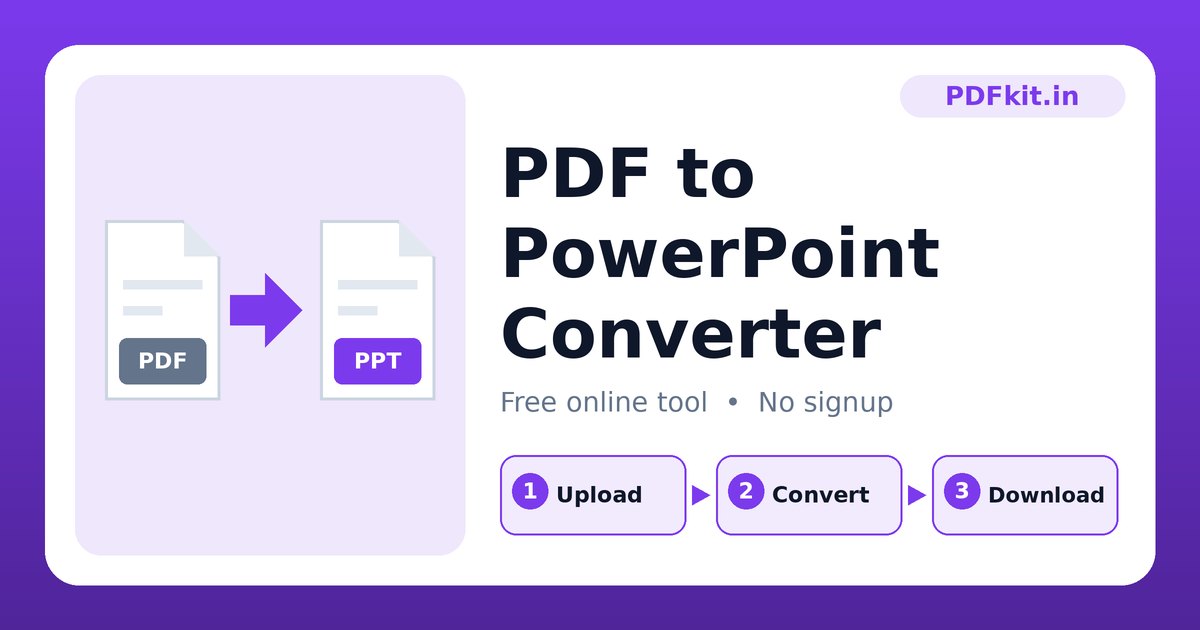
Need to use the content of a PDF presentation or document in slide software? PDFkit provides a PDF to PowerPoint converter for supported files. This guide explains the basic conversion process and the checks to make after downloading the presentation.
Open the exact service: PDF to PowerPoint Converter.
Steps to convert PDF to PowerPoint
- Open the PDFkit PDF to PowerPoint tool using the link above.
- Select the PDF file from your device.
- Confirm that the selected document is the correct file.
- Start conversion using the button shown on the tool page.
- Wait for processing to finish and download the PowerPoint file when available.
- Open the presentation and review slide order, text, images, fonts and layout.
What should you check?
PDF pages and PowerPoint slides use different layout systems. Complex formatting, fonts, charts or multi-column pages may not convert exactly as expected. Review every slide and correct any layout differences before presenting or sharing the file.
Frequently asked questions
Will the converted slides look exactly like the PDF?
Not necessarily. Results depend on the PDF layout and the conversion process. Always review the presentation.
Can I edit the downloaded presentation?
Open it in compatible presentation software and check which elements are editable.
Use the tool: Convert PDF to PowerPoint on PDFkit.










