

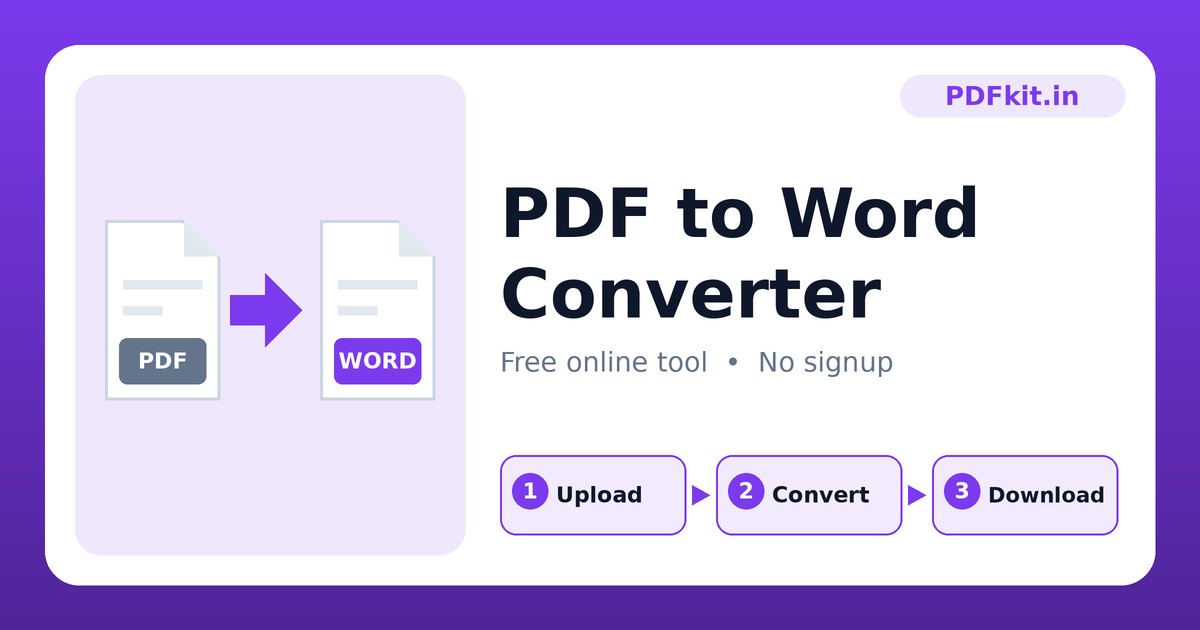
When you need to work with the text of a PDF in a word-processing document, converting it to Word can make editing easier. PDFkit provides a PDF to Word converter for supported PDF files. This guide walks through the basic process and explains what to check after conversion.
Open the tool: PDF to Word Converter on PDFkit.
Why convert a PDF to Word?
A Word document can be easier to revise, reformat or reuse than a fixed-layout PDF. Conversion is helpful when you have permission to edit the document and need to make changes to its text or layout.
Steps to convert PDF to Word
- Open the PDFkit PDF to Word Converter.
- Select the PDF file from your device using the upload or file-selection control shown on the page.
- Check that you selected the correct document and that it is a supported file.
- Start conversion using the action button provided by the tool.
- Wait for the conversion to complete and download the resulting Word file when it is ready.
- Open the Word document and review its text, tables, images, spacing and page breaks.
How to get a better conversion result
- Use a clear, readable PDF whenever possible.
- Review tables, columns, headers and footers after conversion.
- Check page breaks and fonts because complex layouts may not look exactly the same after conversion.
- If the PDF contains scanned pages, check the tool page for supported handling of scanned documents; text extraction can differ from ordinary text-based PDFs.
PDF to Word: what to check after downloading
Conversion changes the file format, but it may not reproduce every element of the original PDF perfectly. Compare the Word file with the original, especially where the PDF contains complex formatting, forms, columns or tables. Make corrections before sharing or submitting the converted document.
Frequently asked questions
Will the Word file look exactly like the PDF?
Not always. The result depends on the PDF structure and layout. Review the converted document before using it.
Can I edit the converted file?
Open the downloaded Word file in a compatible word processor and make any required changes.
Where is the PDFkit converter?
Use the PDFkit PDF to Word tool.
Try it: Convert PDF to Word with PDFkit.










